Dodo payments integration
Dodo Payments offers simplified payment processing for global transactions.
Prerequisites
Section titled “Prerequisites”- A Dodo Payments Account.
- Live Mode enabled for receiving real payments.
Step 1: Get Credentials
Section titled “Step 1: Get Credentials”- Log in to your Dodo Payments Dashboard.
- Switch to Live Mode (toggle in the dashboard) for production.
- Navigate to Developer > API Keys.
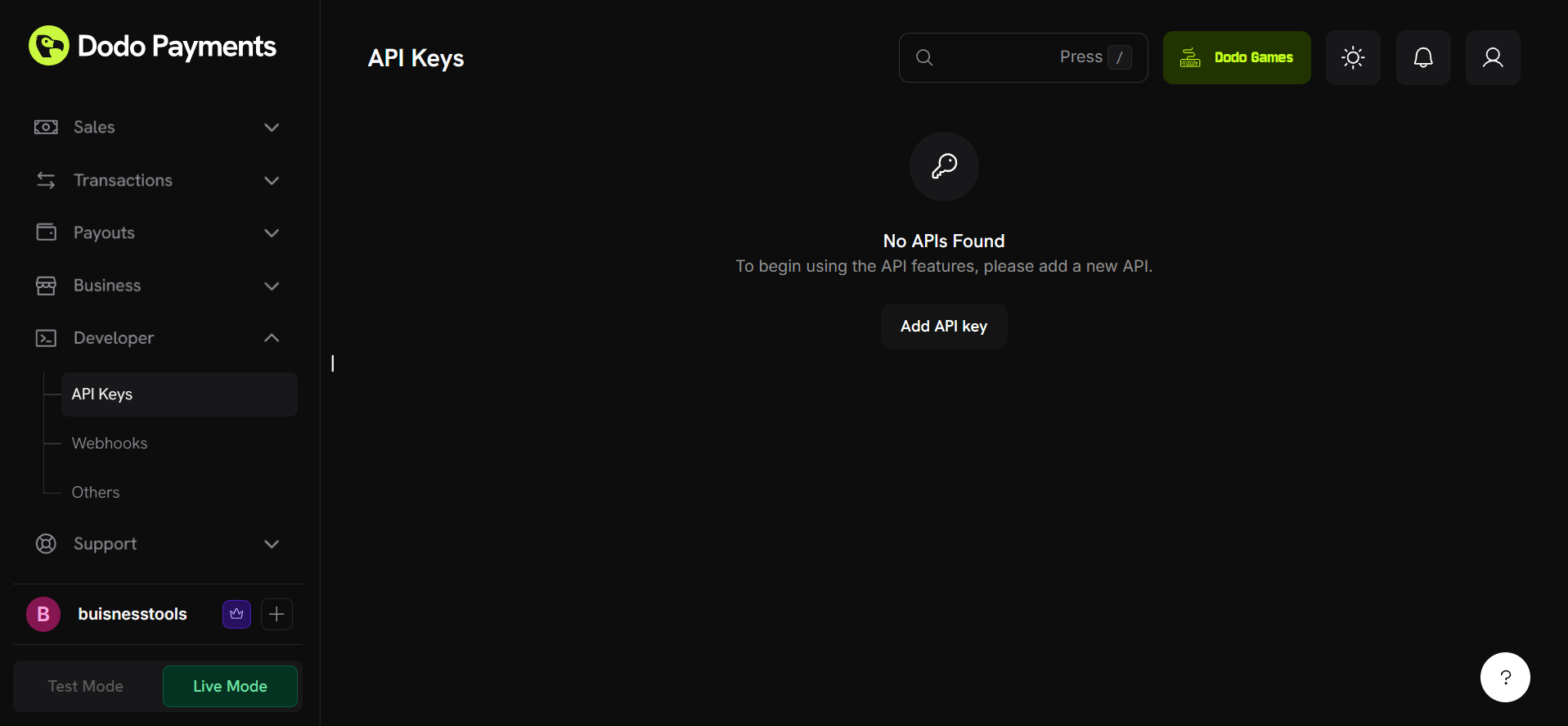
- Merchant ID: Copy your Merchant ID.
- This is an optional field you don’t have to provide it.
- Paste this into the Merchant ID field in your settings.
- API Key: Generate a new API Key.
- Paste this into the API Key field in your settings.
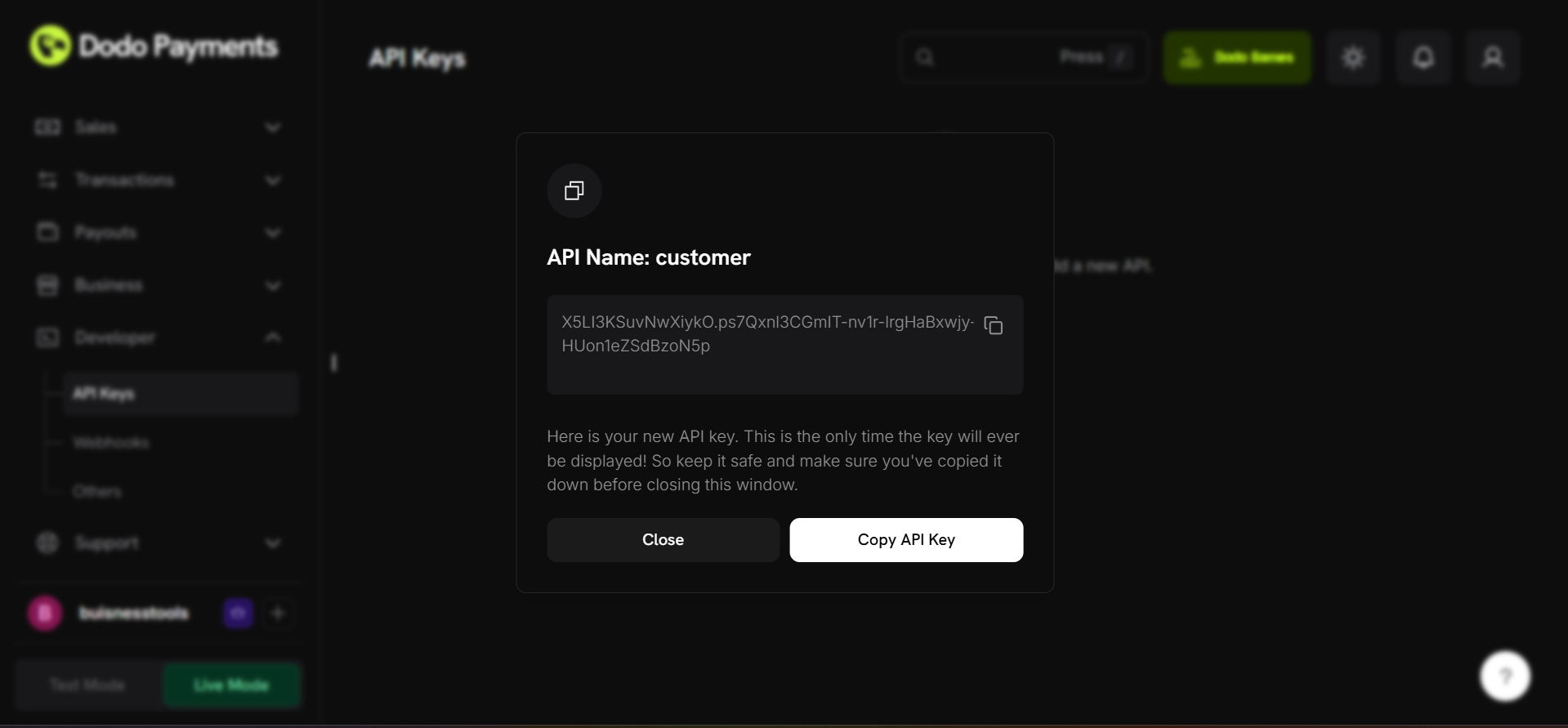
- Paste this into the API Key field in your settings.
[!IMPORTANT] Ensure you are copying the keys corresponding to the correct mode (Test or Live).
Find your Merchant ID and API Key in the dashboard.
Step 2: Configure Webhooks
Section titled “Step 2: Configure Webhooks”- Go to the Webhooks section in your Dodo Dashboard.
- Click Create Webhook.
- Webhook URL: Copy the Webhook URL from your settings page.
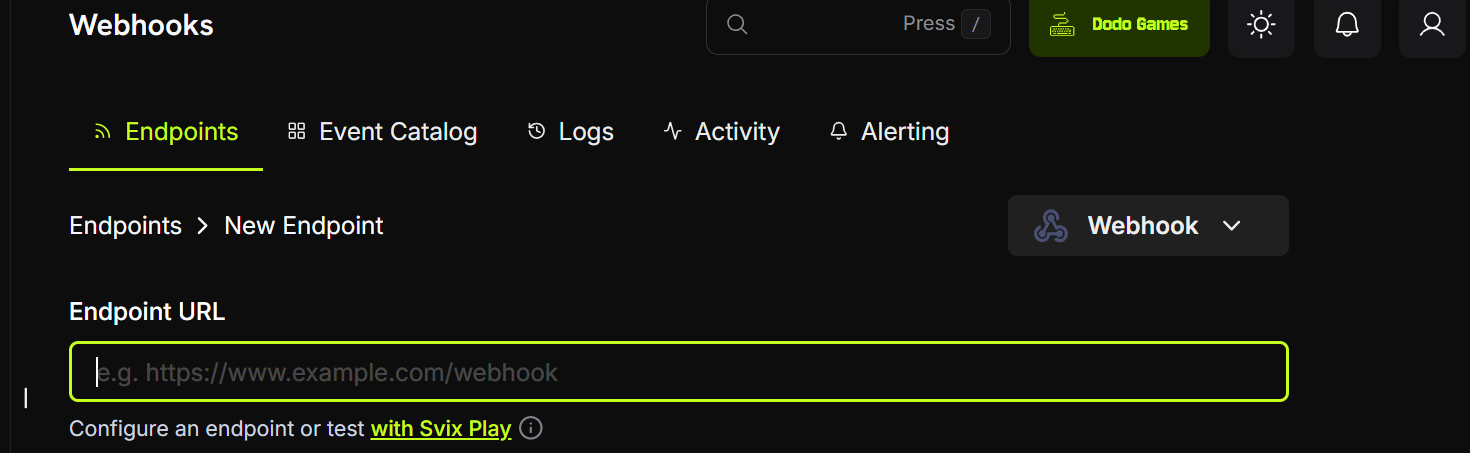
- Webhook Secret:
- Generate a secret in the Dodo Dashboard.
- Copy and paste this into the Webhook secret field in your settings.
- Events: Select the following events:
payment.successpayment.failed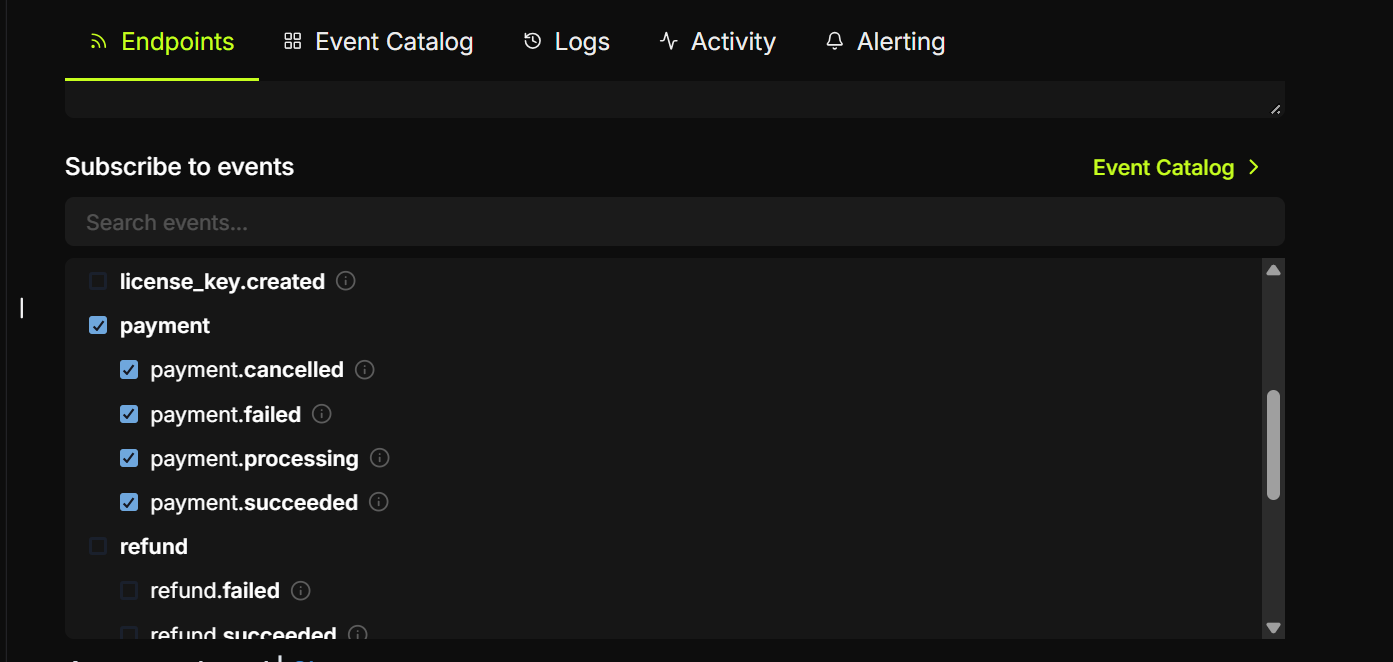
subscription.createdsubscription.activesubscription.cancelled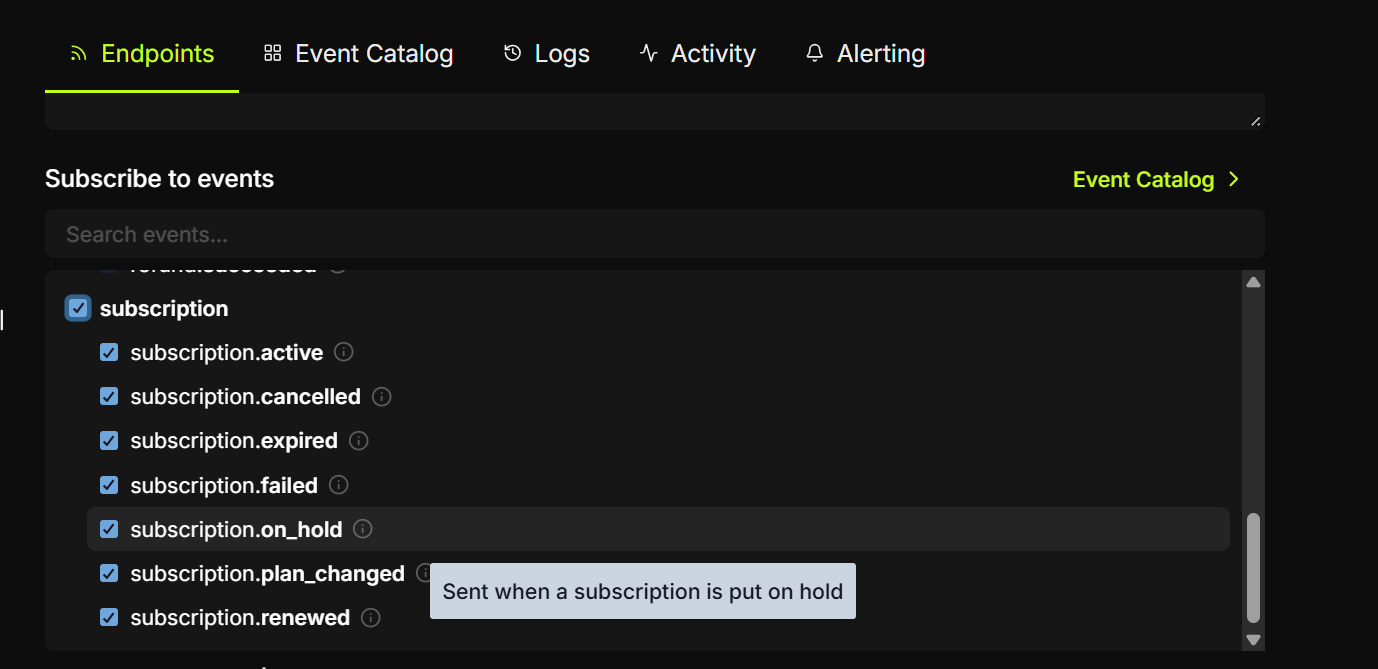
- Save the webhook configuration.